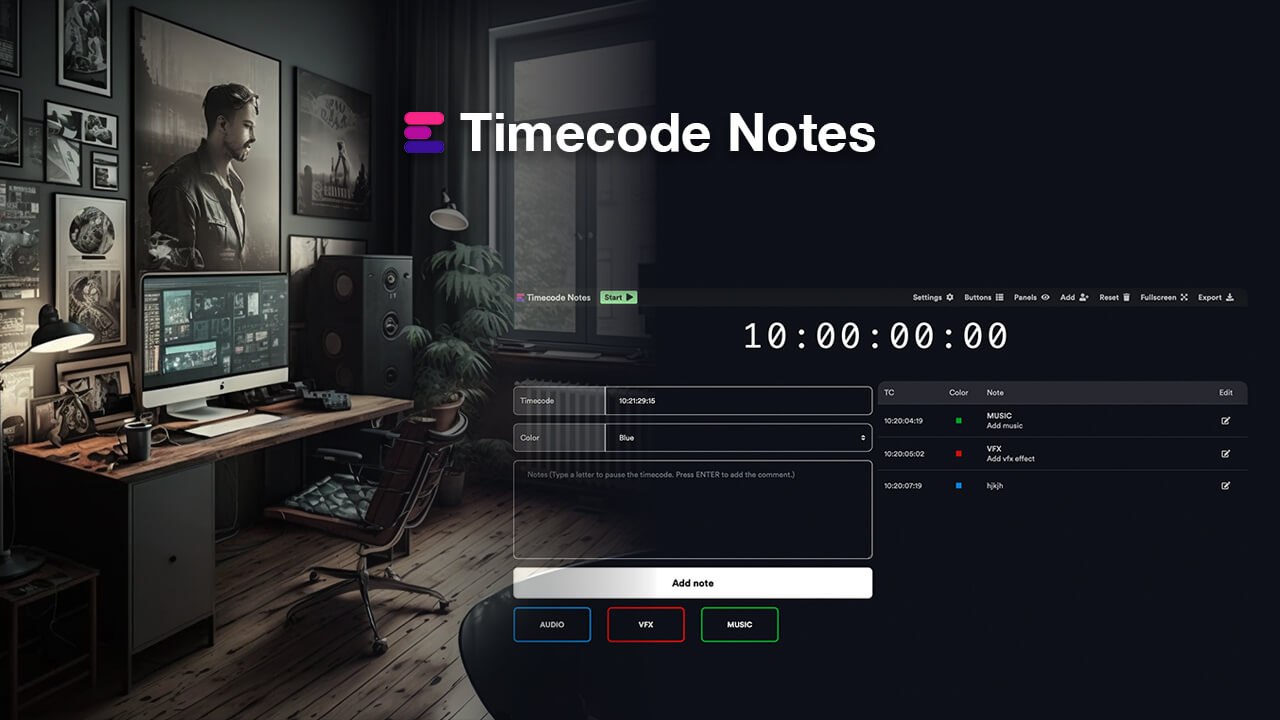
Video Timecode Notes
Safely, quickly, and professionally log and comment local stored videos. Create and share timecode-related markers and notes with your film editors or post-production. Designed for professional off-grid enterprise workflows.
Safely, quickly, and professionally log and comment local stored videos. Create and share timecode-related markers and notes with your film editors or post-production. Designed for professional off-grid enterprise workflows.

Requires macOS 15.5 or later
Create timecode-related notes and markers for video files on a local system: Fast, safe and for professional workflows. The notes can be exported for example to Avid Media Composer, Adobe Premiere Pro and DaVinci Resolve.
The app stores notes related to files locally, so you can resume logging at any time or switch files during the process. Notes from platforms such as Frame.io can also be imported and merged. The player is easy to handle and can also be controlled with J K L keys to speed up the playback or go slow-motion or backwards. A waveform and all notes are graphically displayed.
We build this app with security in mind, which means no data is shared with any third party and everything is stored and processed locally. Data processing is local, secure and confidential and can also be used for top secret projects.
If you have any questions or feature requests, please contact our support team. We are happy to assist you!
We offer three types of licenses. The single-user license is ideal for freelancers who want to use the software on one or two computers. This license is tied to a single account. For companies, we offer a team license, which is bound to the company. The number of licenses can be chosen upon purchase, with a minimum of three licenses. We also offer an enterprise option. Please contact our sales team for more information. All licenses are perpetual.
Merk: Selve programtillegget er for øyeblikket bare tilgjengelig på engelsk.
Du blir sendt videre til den sikre "Paddle"-kassen. Paddle.com er Merchant of Record.
Omvendt avgiftsplikt: Hvis du kjøper for en bedrift og har et VAT-nummer, kan du i enkelte land bruke ordningen med omvendt avgiftsplikt. På betalingssiden klikker du på "Add VAT ID" til venstre etter at du har valgt land og postnummer.
Hvis du har spørsmål eller ønsker om funksjoner, kan du kontakte kundestøtteteamet vårt. Vi hjelper deg gjerne!
Download the app from Apple App Store or download the .app file from EditingTools.io. Simply start the .app file.
Ja, hvis det finnes tilgjengelige oppdateringer, kan du laste dem ned gratis.
Nei, dette programmet fungerer offline og deler ingen av prosjektdataene dine på nettet.
Denne appen støttes kun på macOS.
Du kan ganske enkelt slette .app-filen fra datamaskinen.
Hvis du trenger en funksjon til appen, et nytt alternativ eller en tilpasset versjon, kan du sende oss en melding. Vi tilbyr tilpassede løsninger for din virksomhet.